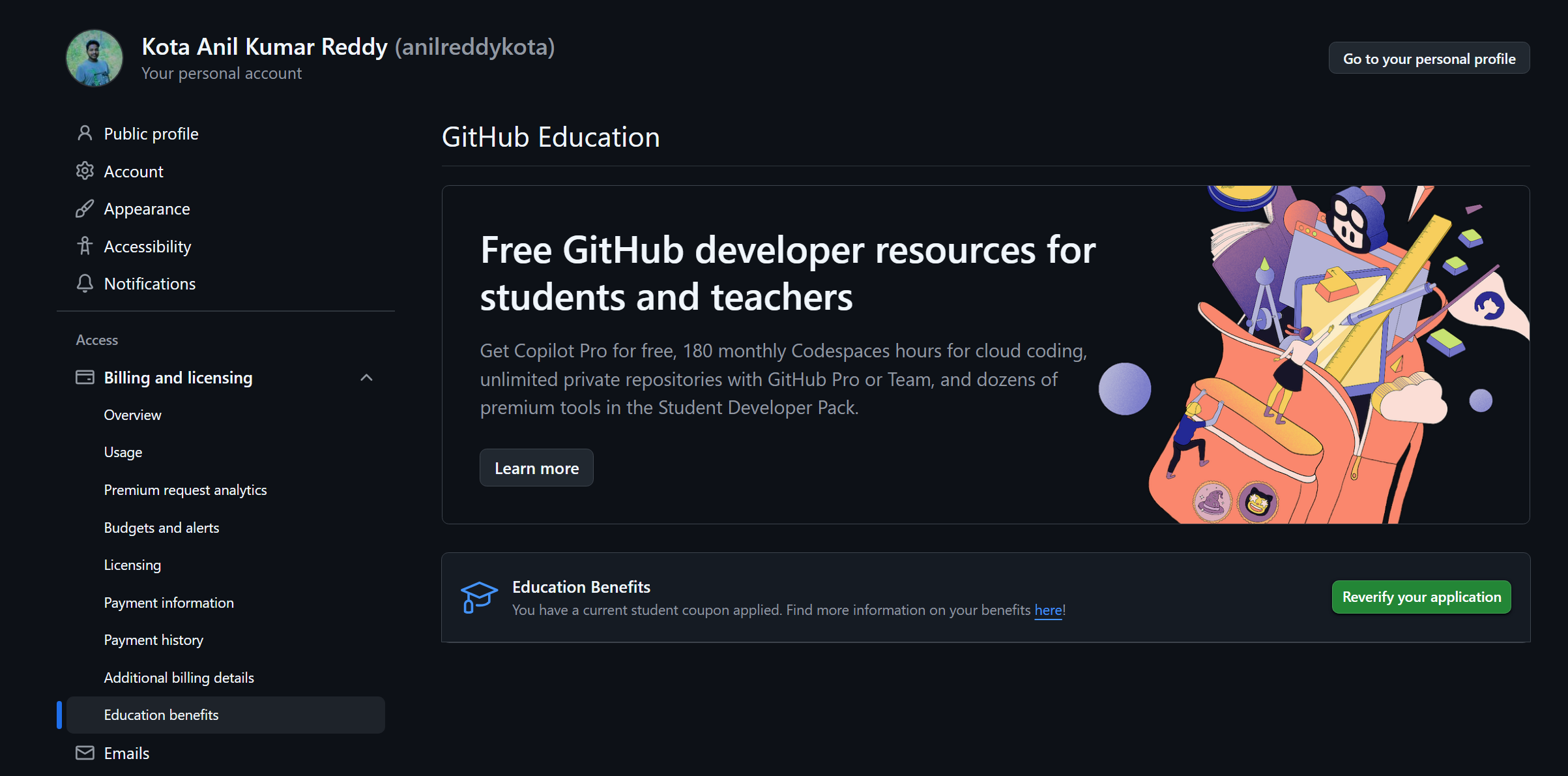

If you’re a college student into coding, you don’t need to pay for premium AI coding tools anymore.
GitHub offers Copilot Premium access for FREE to students through the Student Developer Pack — and the process is super simple if you follow the right steps.
Let’s do it properly 👇
🤖 What is GitHub Copilot?
GitHub Copilot is an AI-powered coding assistant that:
✅ Writes code as you type
✅ Suggests functions & logic
✅ Helps debug errors
✅ Works in VS Code, JetBrains, etc.
It’s like having an AI senior developer beside you.
🎯 Who is Eligible?
You can claim it if you have:
✔ College / university email (.edu or institute domain)
✔ Student ID card or enrollment proof (optional but useful)
Examples:yourname@srkrec.edu.inregno@srkrec.ac.inyourname@university.edu.in
📌 Step-by-Step: Claim GitHub Copilot Free as a Student
✅ Step 1: Login to GitHub
Go to 👉 https://github.com
Login to your account (or create one).
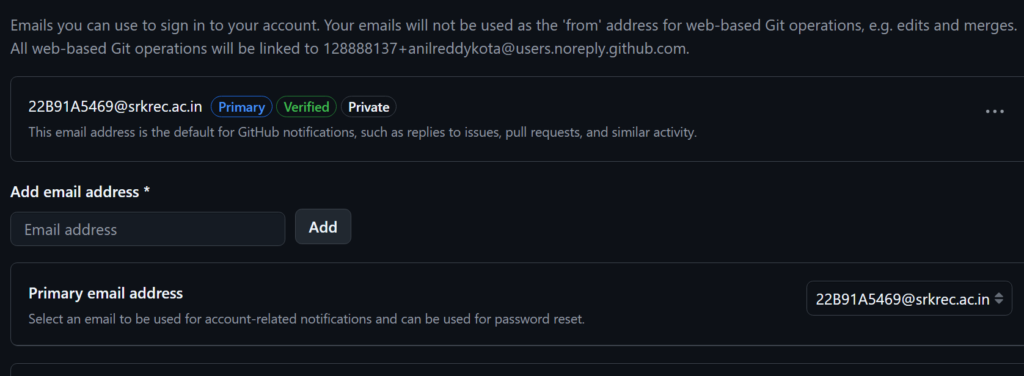
📧 Step 2: Add Your College Email
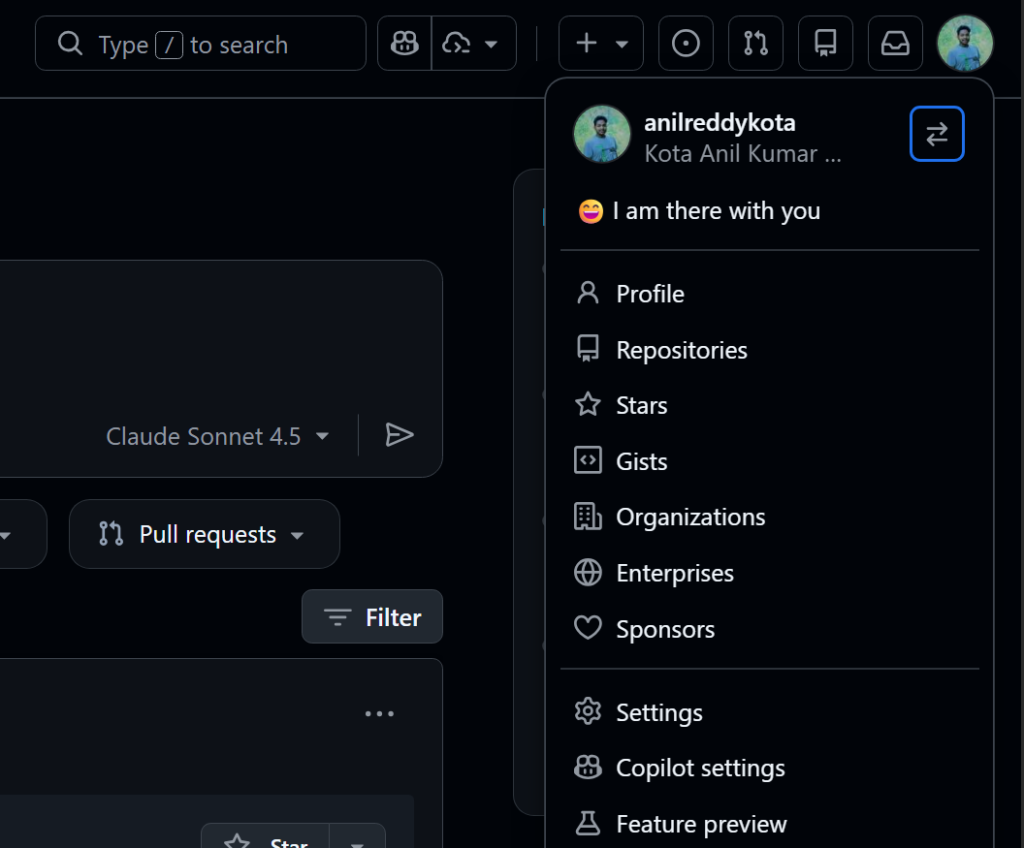
- Go to Settings → Emails
- Click Add email address
- Enter your college email ID
- Verify it using the code sent to your mail
✔ Make sure it shows as verified
💳 Step 3: Add Billing Address (No Payment Needed)
In Settings → Billing:
👉 Add your billing address only
❌ No card or payment info required
(This is just for account verification)

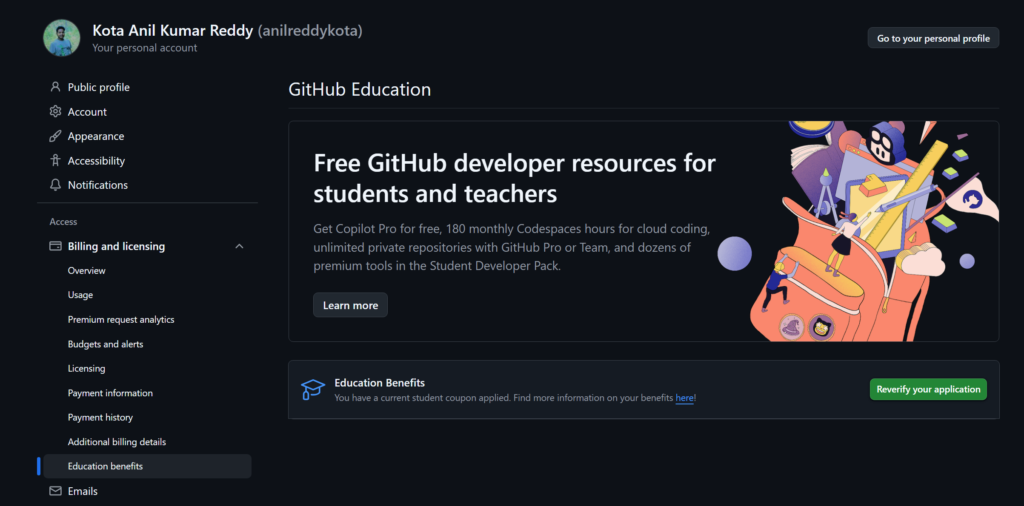
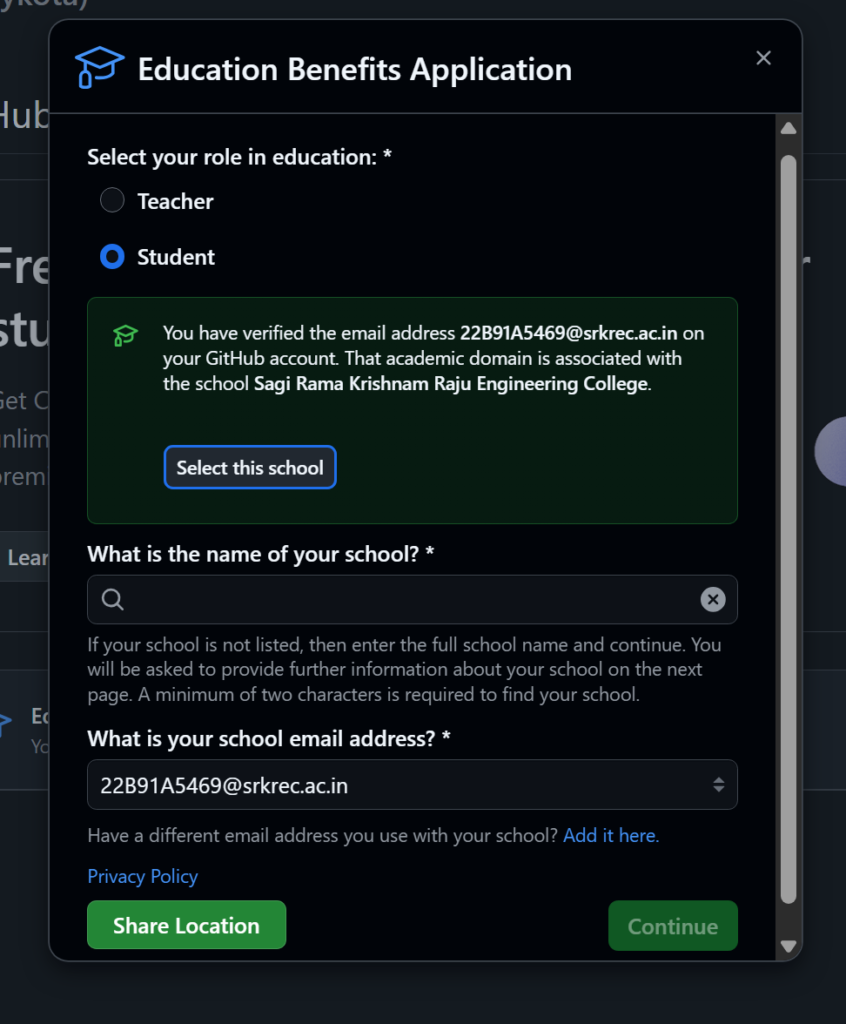
🎓 Step 4: Apply for Education Benefits
- Go to GitHub Education Benefits
- Click Start application
- Select Student
- Choose your college name (same as verified email)
📍 Step 5: Share Location & Upload ID
- Enter your country/location
- Select Student ID as proof
- Upload clear photo of your college ID card
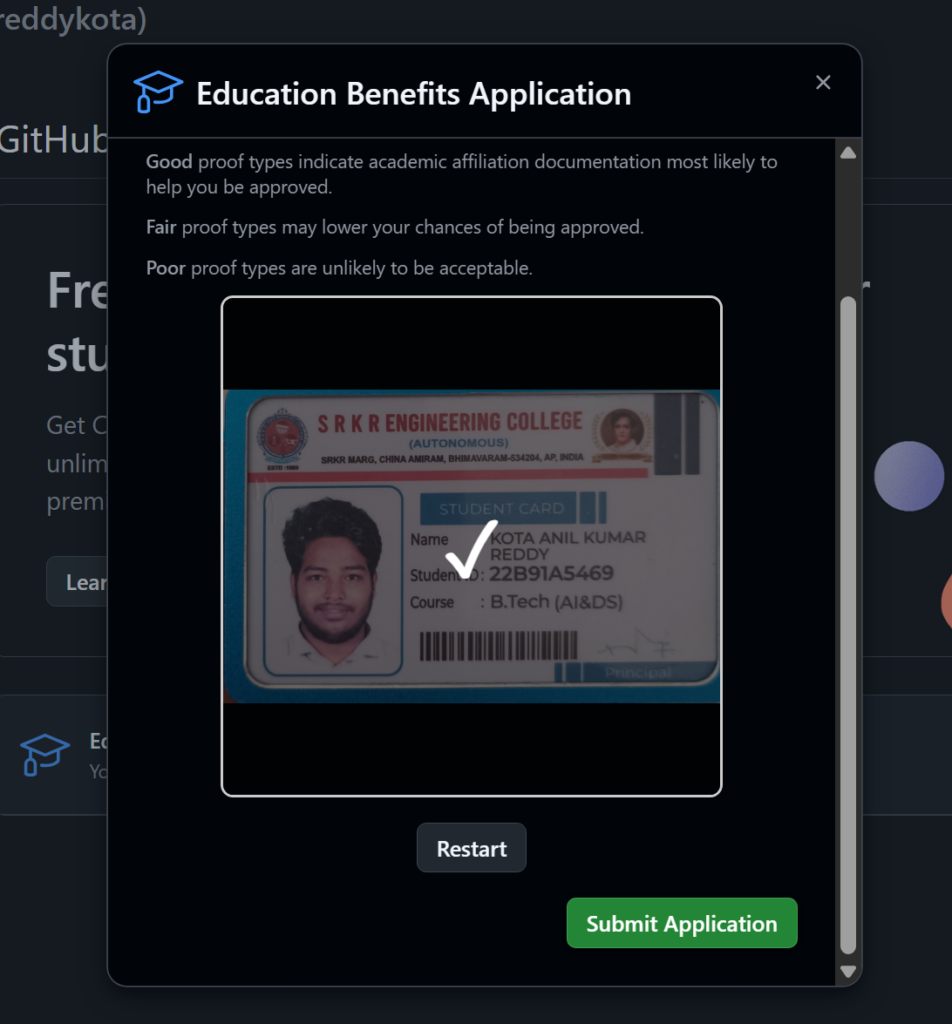
Then click Submit
⚡ That’s It — Approval Comes Fast!
Most students get verified within:
🕒 A few minutes to few hours (sometimes up to 72 hours)
🎁 Step 6: Redeem Your Benefits
After approval:
👉 Revisit the Education Benefits page
👉 Click Redeem Coupon
Boom 💥
You now have GitHub Copilot Premium FREE
🎯 What You Get for Free
✔ Copilot Premium models
✔ 300 AI requests per month
✔ Valid for 2 years as a student
(renews if you’re still eligible)
📈 My Real Experience
I’ve been using GitHub Copilot for almost 2 years now — and honestly:
🚀 My productivity increased by 200%
But remember:
👉 Use it to learn & build better
❌ Not to blindly complete tasks without understanding
Copilot should assist you — not replace learning.
💬 Want to Use Copilot in VS Code?
Comment down and I’ll share:
✅ VS Code setup guide
✅ Best shortcuts
✅ Pro tips for faster coding
🔥 Final Tip
If you’re a student developer and not using Copilot yet — you’re leaving a huge advantage on the table.
Take 10 minutes today and unlock it.